Enough room to test the workflow and finish occasional projects.
- Unlimited live previews
- Three monochrome exports per week
- Three multi-color exports per month
- Local image processing
Trace an image, simplify its colors, and make it your own with editable text, shapes, and color layers. Save your project and export SVG, 3MF, DXF, PDF, or PNG for the next step.
Now available on the Chrome Web Store. Images are processed locally in Chrome, and paid plans are sold by Haywire Software through Stripe.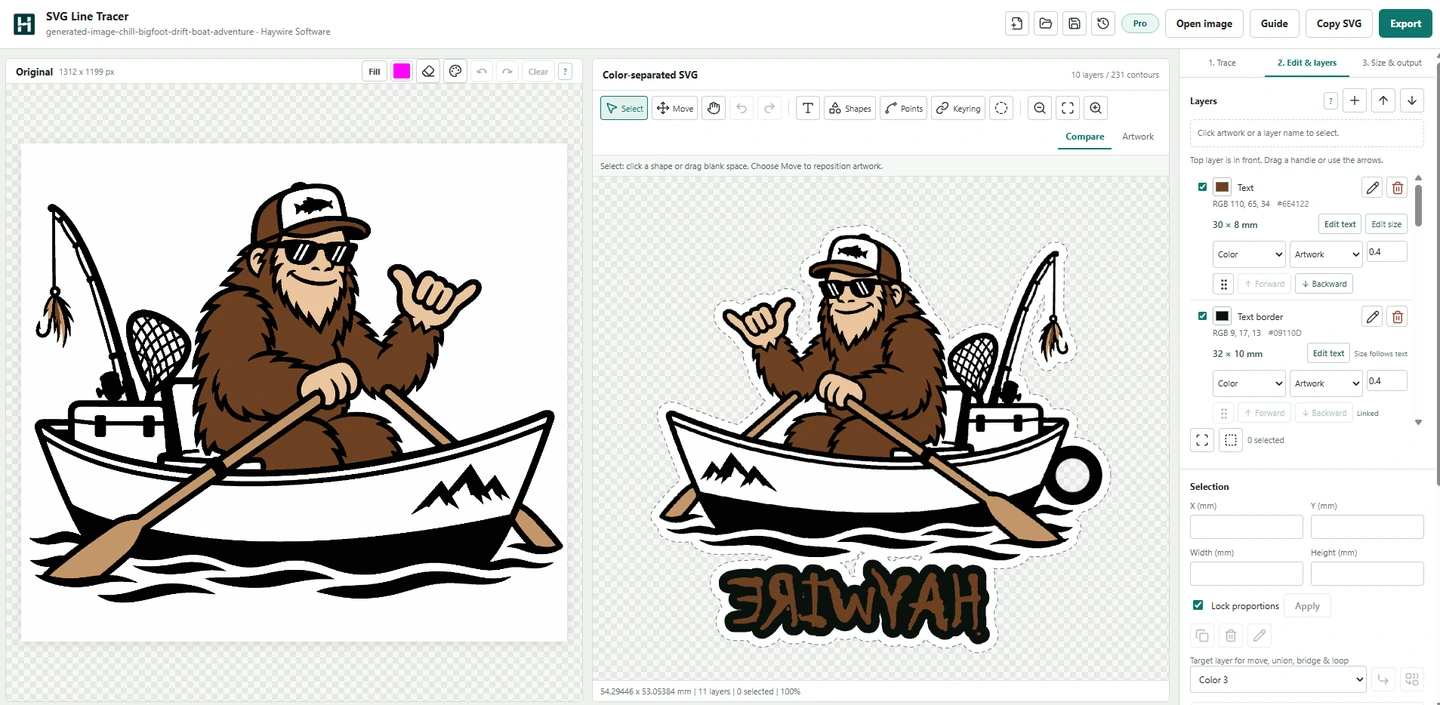
Download free monochrome SVGs, layered artwork, and a multicolor 3MF for laser, vinyl, CNC, engraving, or 3D printing.
Browse free SVGs & 3MF

Watch full walkthroughs and quick Shorts for laser engraving, wood Christmas ornaments, and color 3MF keychains.
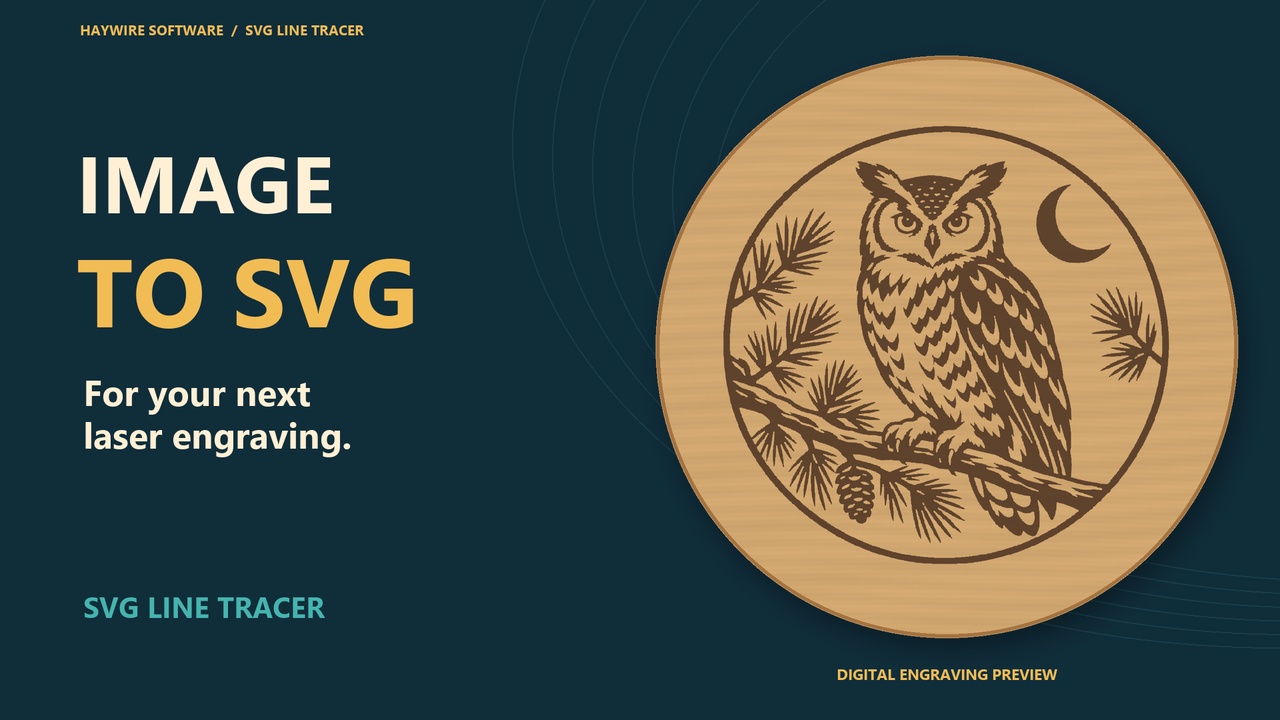 Monochrome SVG · Laser engraving
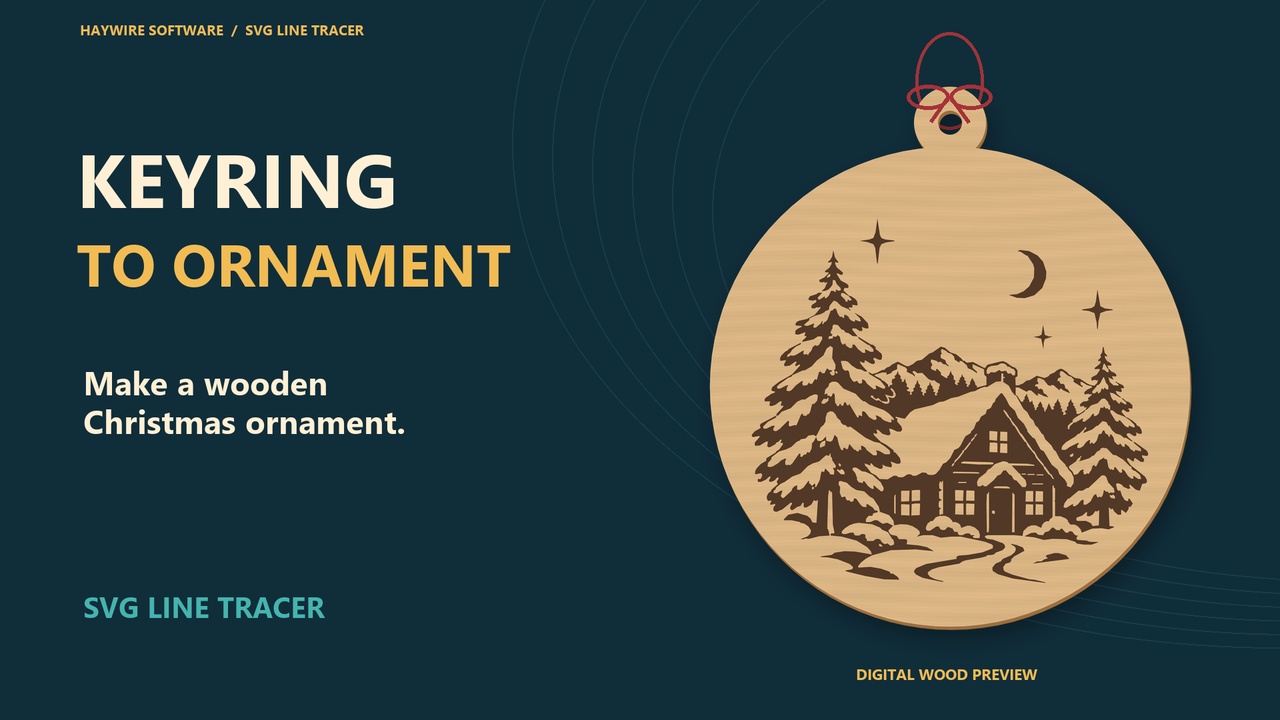 Keyring feature · Wood ornaments
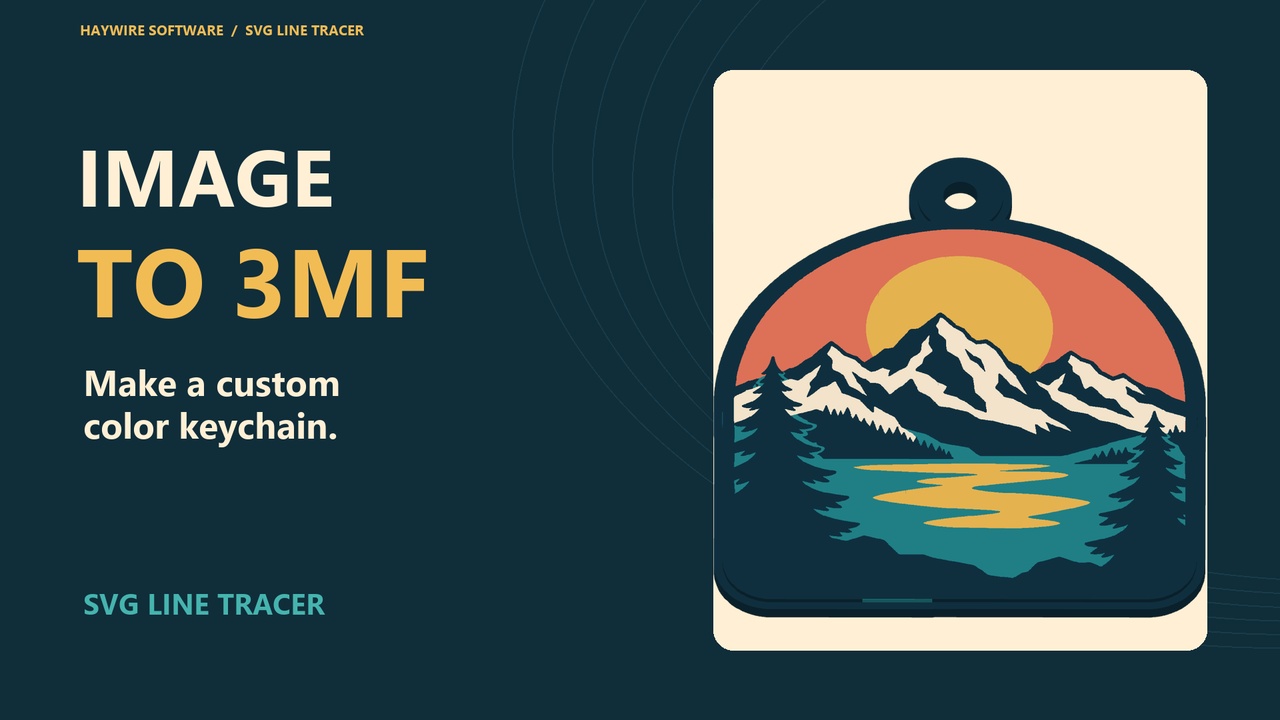 Multi-color tracing · 3MF export
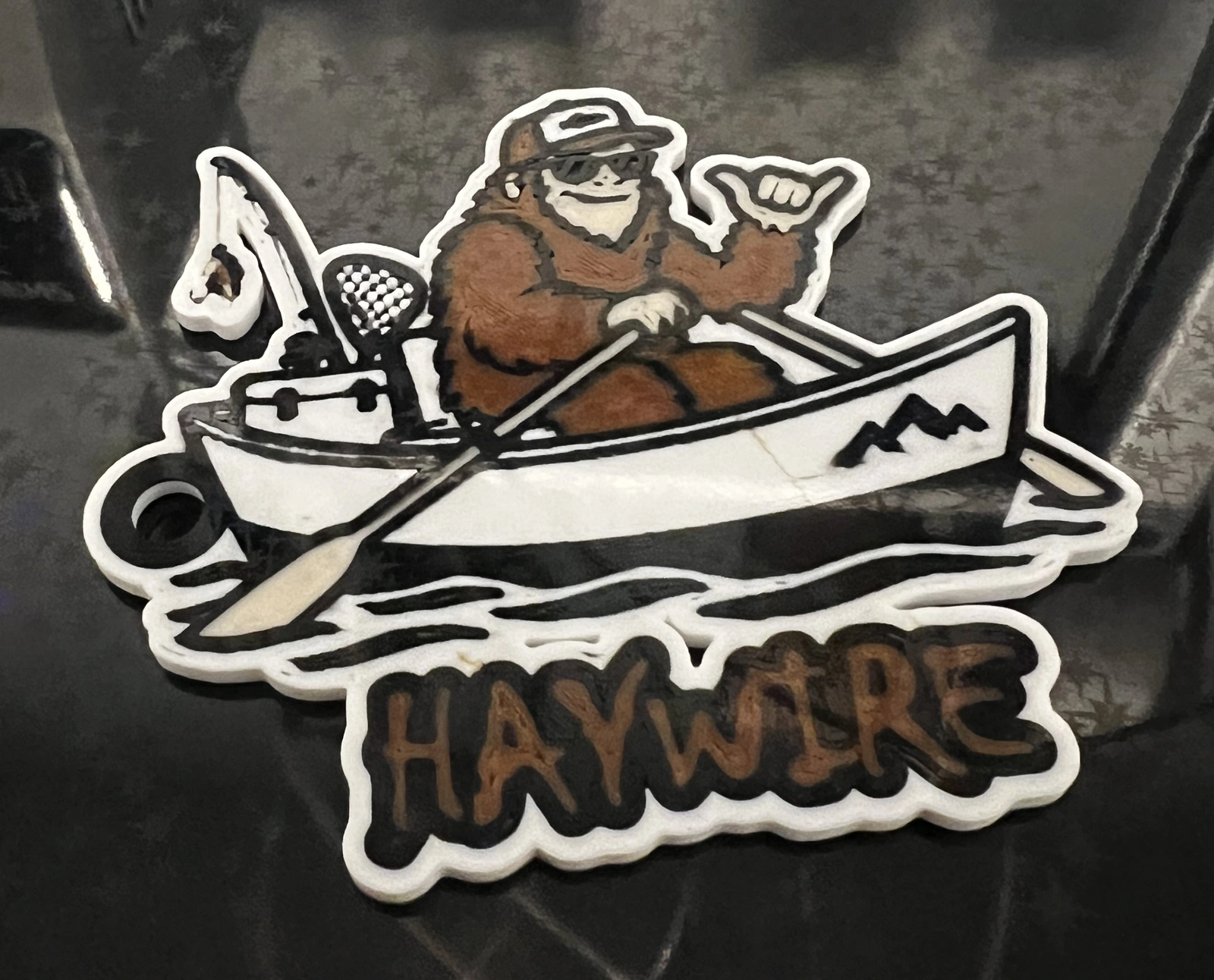
Version 0.6.13 brings more of the making process into one workspace. This Bigfoot boat sample combines traced color layers, HAYWIRE lettering, a text border, a backing, and a keyring loop.
Released September 15, 2026. Install or update SVG Line Tracer from the Chrome Web Store.
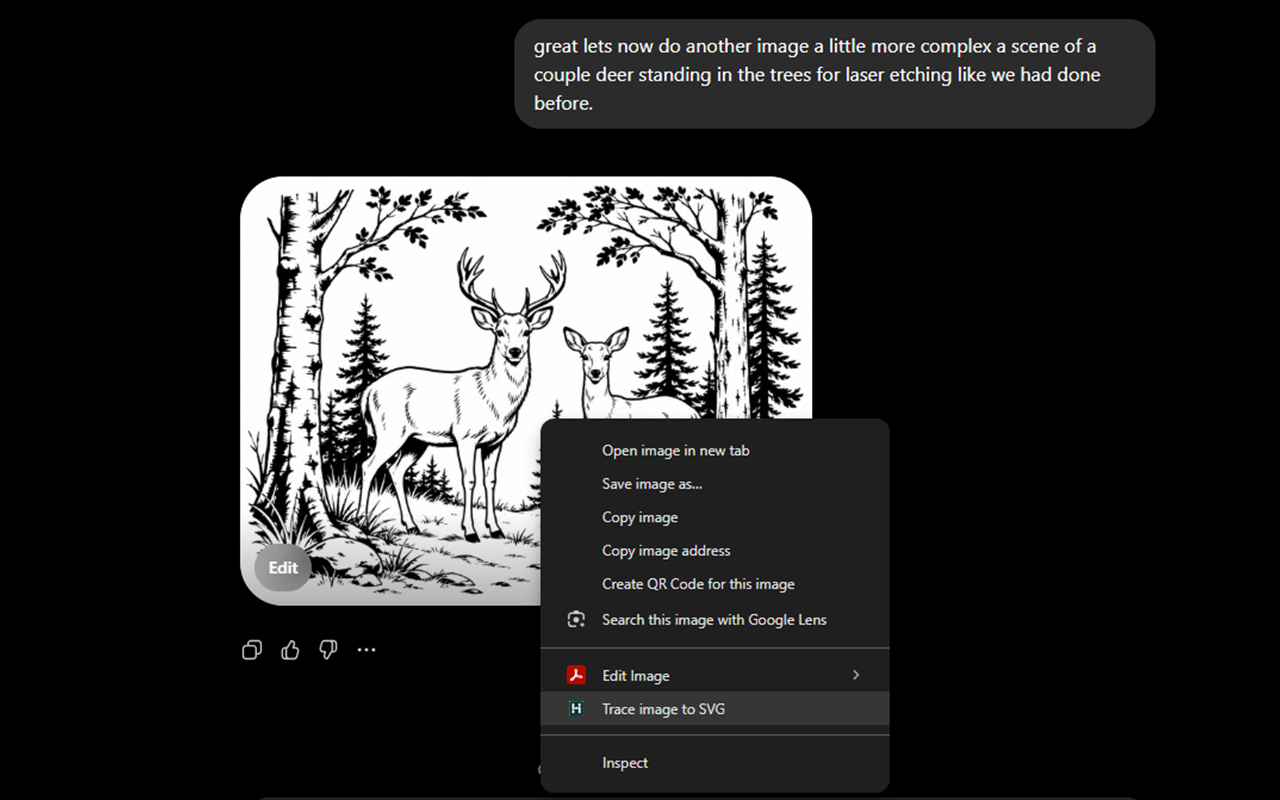
Start where the artwork already is. SVG Line Tracer captures the image you choose, opens it in the tracer, and keeps the image processing on your device.
SVG Line Tracer finds the colors in your image and turns them into named SVG layers. You decide what stays, what becomes a hole, and how the finished objects are grouped.
Detect the palette and layer count from the source image, including interior gray and white regions.
Keep a color as geometry, turn it into transparent cutouts, or remove an unwanted border from the export.
Click a swatch to change a layer color, then export one object per color or preserve separate components.
Create an offset surround, show its guide line, set the finished size, or mirror art for face-down printing.
Export the same traced geometry for vector design, cutting, print production, or multi-color 3D work. Every format respects the finished X and Y size, while 3MF can also carry model height, display colors, and material-slot assignments.
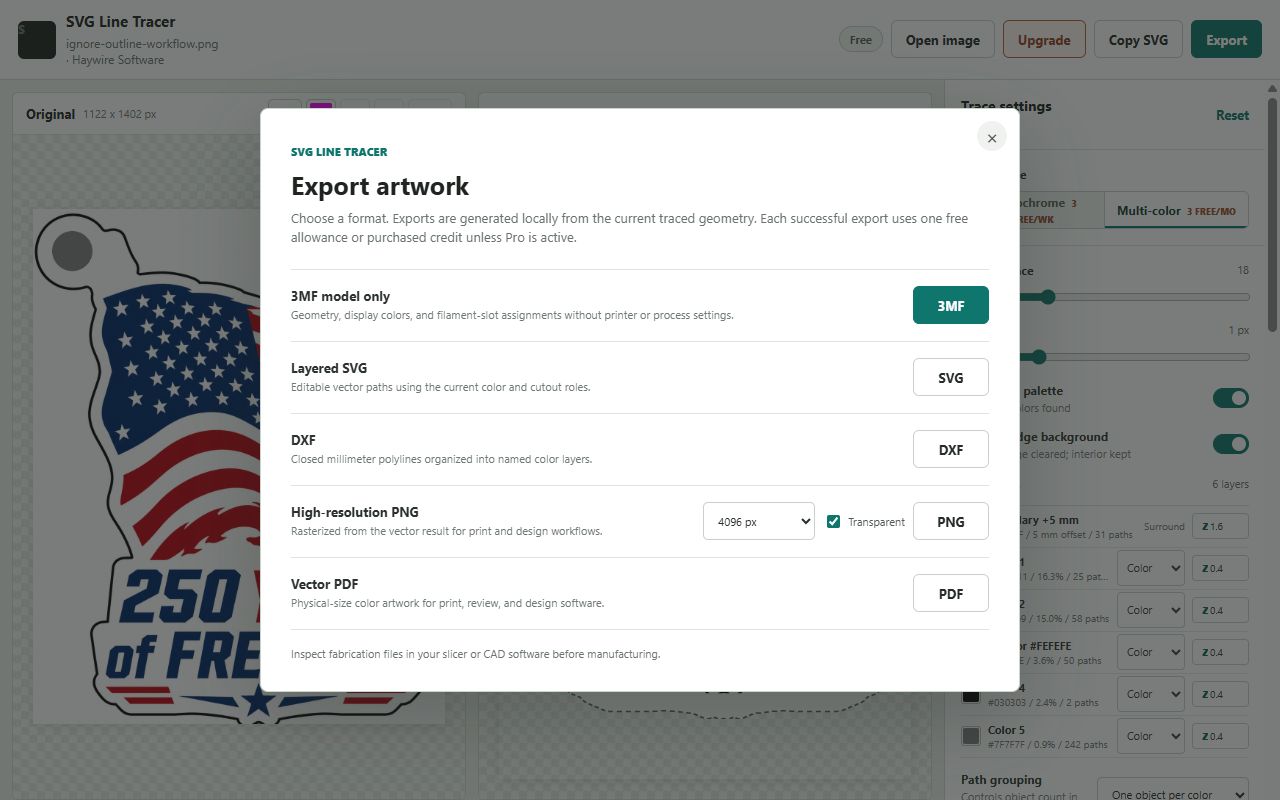
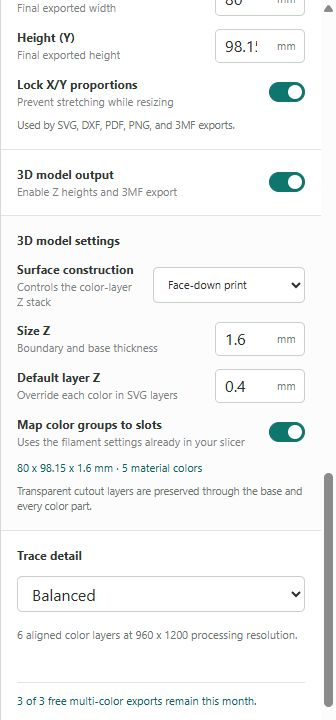
Automatic palette detection can separate a detailed illustration without asking you to guess the layer count. Recolor, ignore, cut out, group, and set Z height from the same workspace before the file reaches your design or fabrication software.
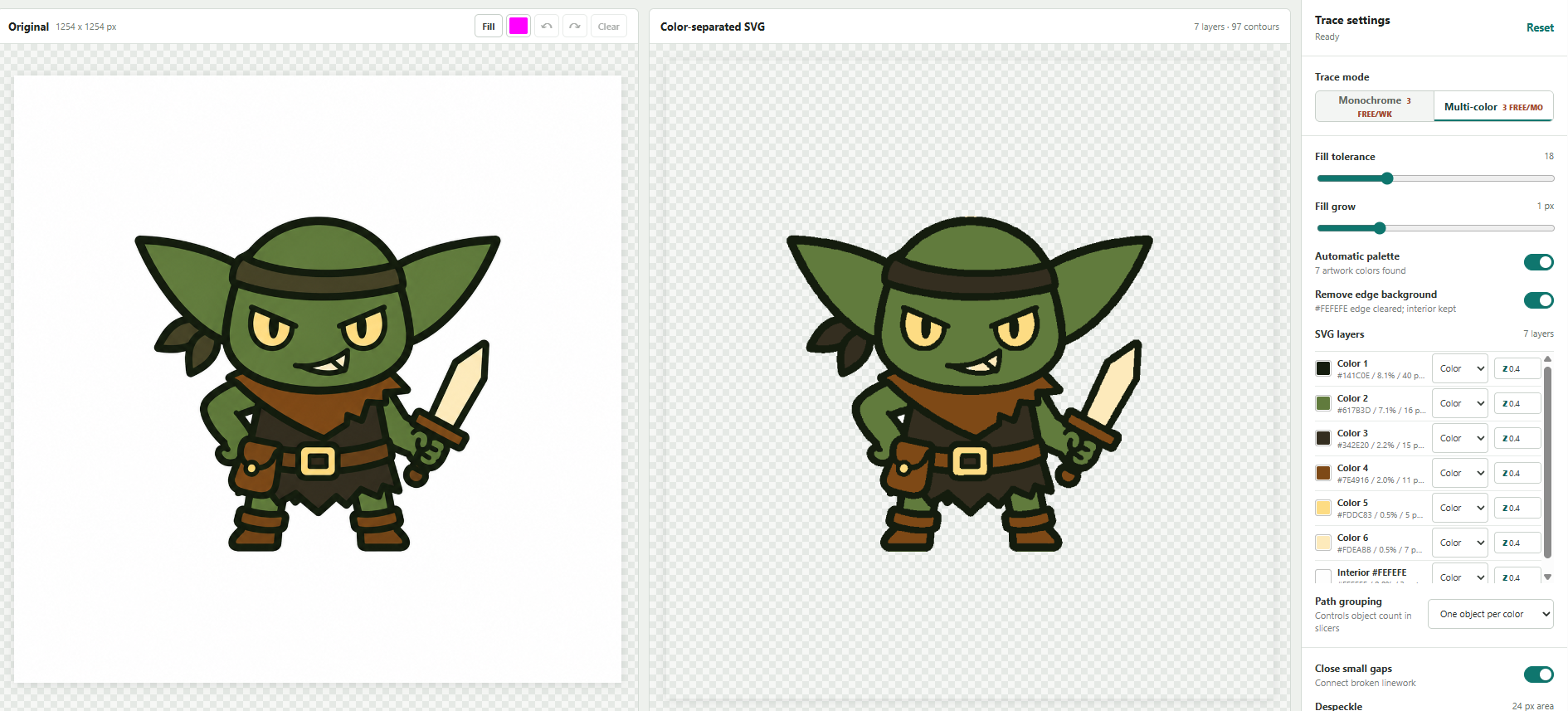
This finished character started with the artwork shown above. The traced color regions, dark outline, and supporting base remain distinct from the browser all the way into the printed part.
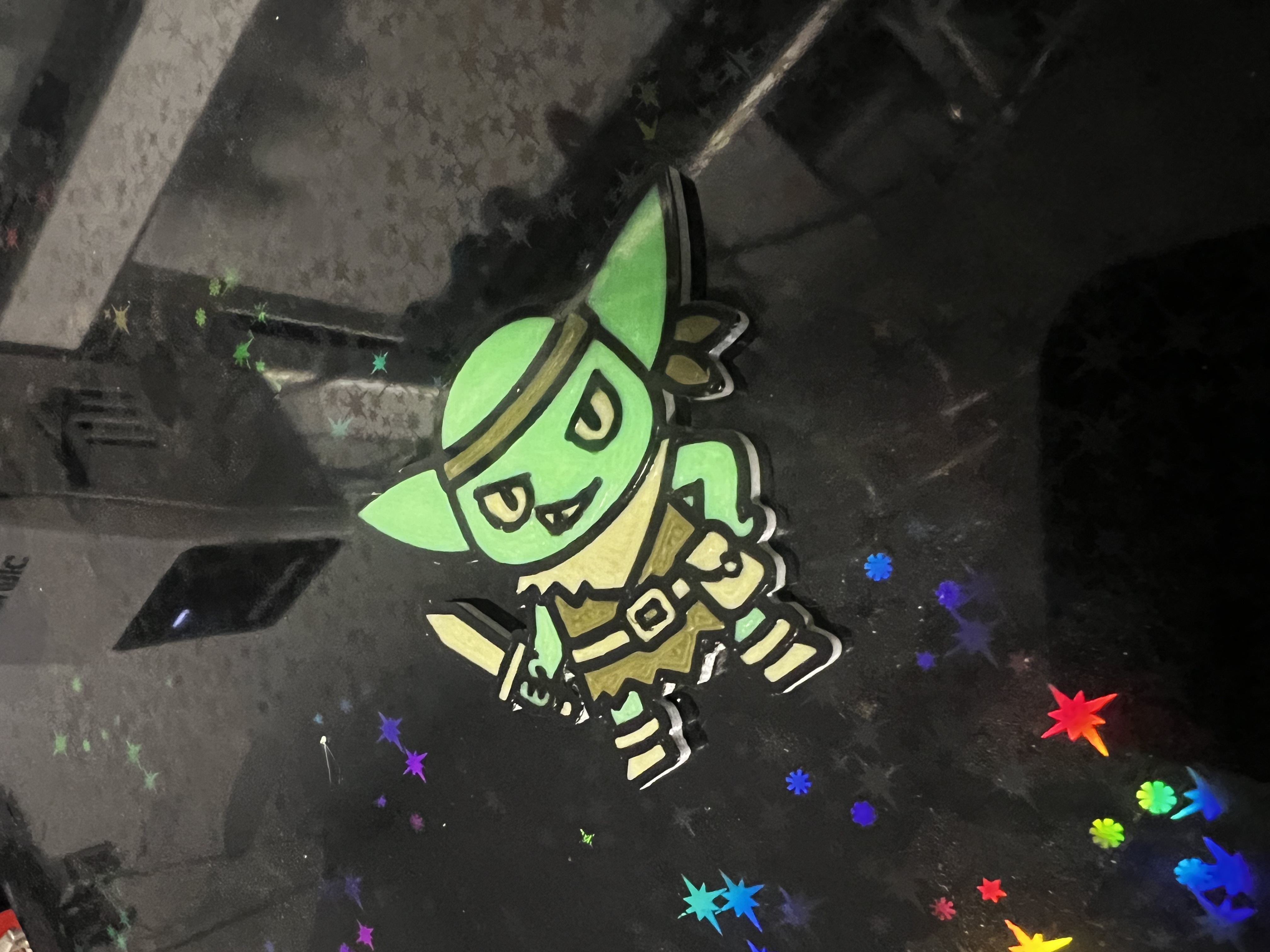
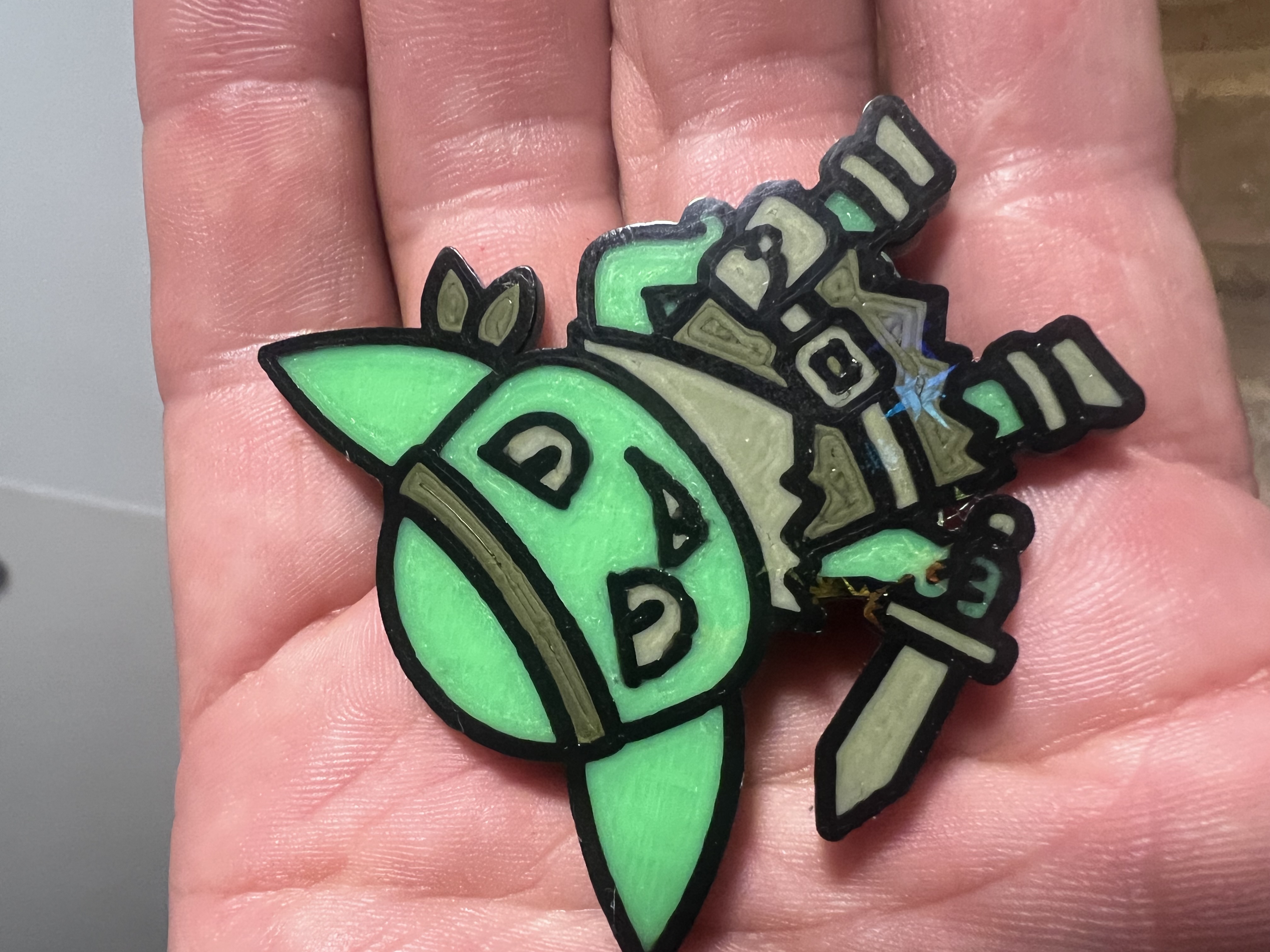
Watch SVG Line Tracer capture a browser image, separate its color layers, prepare a fabrication-ready SVG, and bring the design into the real world.
Preview freely and choose the level that matches how often you export.
Enough room to test the workflow and finish occasional projects.
A practical bridge for occasional projects without starting a subscription.
Best value for regular design, fabrication, and print work.
The same complete Pro feature set with flexible billing.
Artwork and fonts are processed locally. Haywire receives a random installation identifier and licensing/credit information for plan checks, including on the Free plan. This persistent identifier can be associated with purchases; artwork and font files are not sent to the billing service.
The five declared permissions support specific features: contextMenus adds “Trace image to SVG”; activeTab grants temporary access after your action; scripting reads the selected image and its bounds; downloads saves exported files; and storage keeps settings, capture jobs, and plan information on your device. The extension does not request permanent access to every website, your browsing history, cookies, or native applications.
Page capture can temporarily store a screenshot of the visible tab before cropping, including nearby page content. Loading an online image contacts its website. Haywire handles plan and credit checks, and Stripe handles billing. See our privacy policy for the full data flow.
Security scanners can flag permissions, network requests, compressed library code, and compiled geometry tools for further review. A capability warning alone does not establish malicious behavior, and passing a scan does not guarantee safety. SVG Line Tracer packages its tracing, PDF, and 3D geometry tools with the extension. Install from the official Chrome Web Store listing, and send us the report link and version if you have a concern so we can investigate the specific finding.
Normal exports use your free allowance first, then a purchased credit. Fine-detail output and Copy SVG require a purchased credit unless Pro is active. Multi-color tracing or more than one exported artwork color uses the multi-color allowance; automatic backing, Cutout, and Ignore layers are excluded from that color count. Purchased credits do not reset monthly. Saving projects and presets is unmetered.
The extension detects colors in the source image, creates SVG geometry for each layer, and lets you recolor, cut out, ignore, or group those paths before export.
Clean artwork with distinct colors, simple backgrounds, and clear edges produces the strongest results. Monochrome mode remains available for high-contrast black-and-white art.
No. Use artwork you own, have permission or a license to use, or are otherwise legally entitled to process. SVG Line Tracer does not grant rights to third-party images.
Haywire Software is the seller. Stripe securely hosts Checkout and the customer billing portal.