 Monochrome SVG
Halloween
Halloween Ghost & Pumpkin
A friendly ghost, jack-o-lantern, and three bats in a bold single-color design for Halloween signs, shirts, stickers, and decorations.Halloween SVGGhost SVGPumpkin SVG
View file & download →Download real project files for laser cutting, vinyl, CNC, engraving, and multicolor 3D printing. Choose a simple monochrome SVG, a layered design, or a ready-to-slice 3MF.
Make your own with SVG Line TracerEvery design below is a real file from our workflow. SVG previews are rendered from the downloadable vector itself.
Monochrome SVGHalloween
 Monochrome SVG
Thanksgiving
 Monochrome SVG
Christmas
 Layered SVG
Bigfoot & fishing
 Monochrome SVG
Flowers
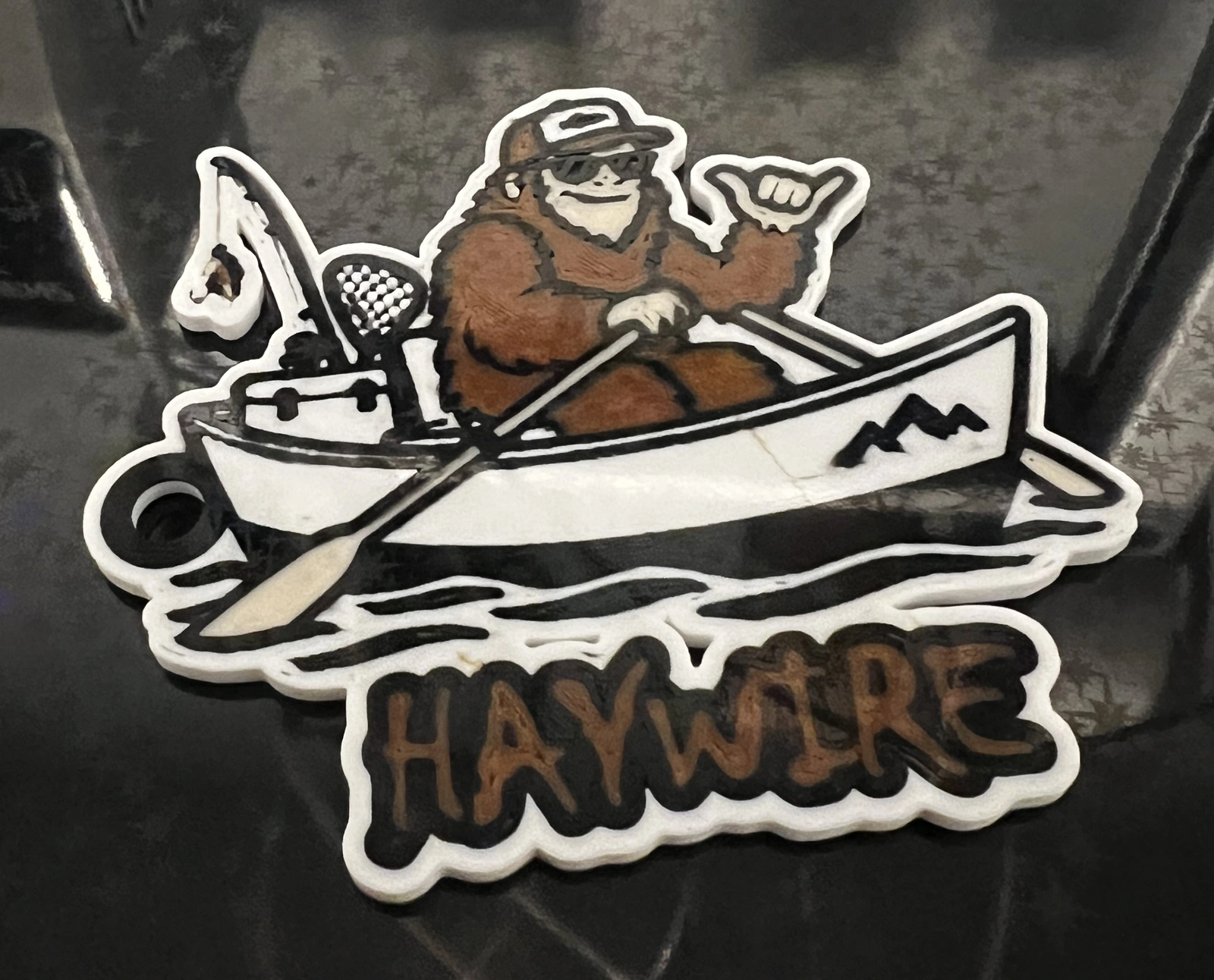 Multicolor 3MF
3D printing
 Monochrome SVG
Wildlife
 Monochrome SVG
Coastal
Make the exact subject and style you need instead of searching through another download library. Create a clean image in ChatGPT, open it in SVG Line Tracer, then export SVG, 3MF, DXF, PDF, or PNG.
Add the converter to Chrome so it is ready when your image is.
Install from the Chrome Web Store →Ask ChatGPT for bold, high-contrast artwork with clear shapes and no background.
Create an image in ChatGPT →Separate colors, clean the layers, add backing or text, and export for your project.
Follow the SVG Line Tracer guide →These files give you a quick way to test your laser, cutter, design app, or slicer. When you are ready for a different subject, style, color count, backing, text, or keyring loop, SVG Line Tracer lets you build it from your own image in Chrome.
Yes. Download and use them in your own projects. Please do not repackage or redistribute the source files as another download collection.
Yes. The designs use scalable vector paths, but every machine and material behaves differently. Check the geometry, finished size, and cut settings in your own software before running the job.
Import it into a compatible slicer, assign your own printer, plate, material, and process settings, then inspect the preview before printing. The download contains model geometry and display colors rather than a printer profile.
The traced SVGs and model-only 3MF come from the same kind of SVG Line Tracer workflow shown throughout this site.